


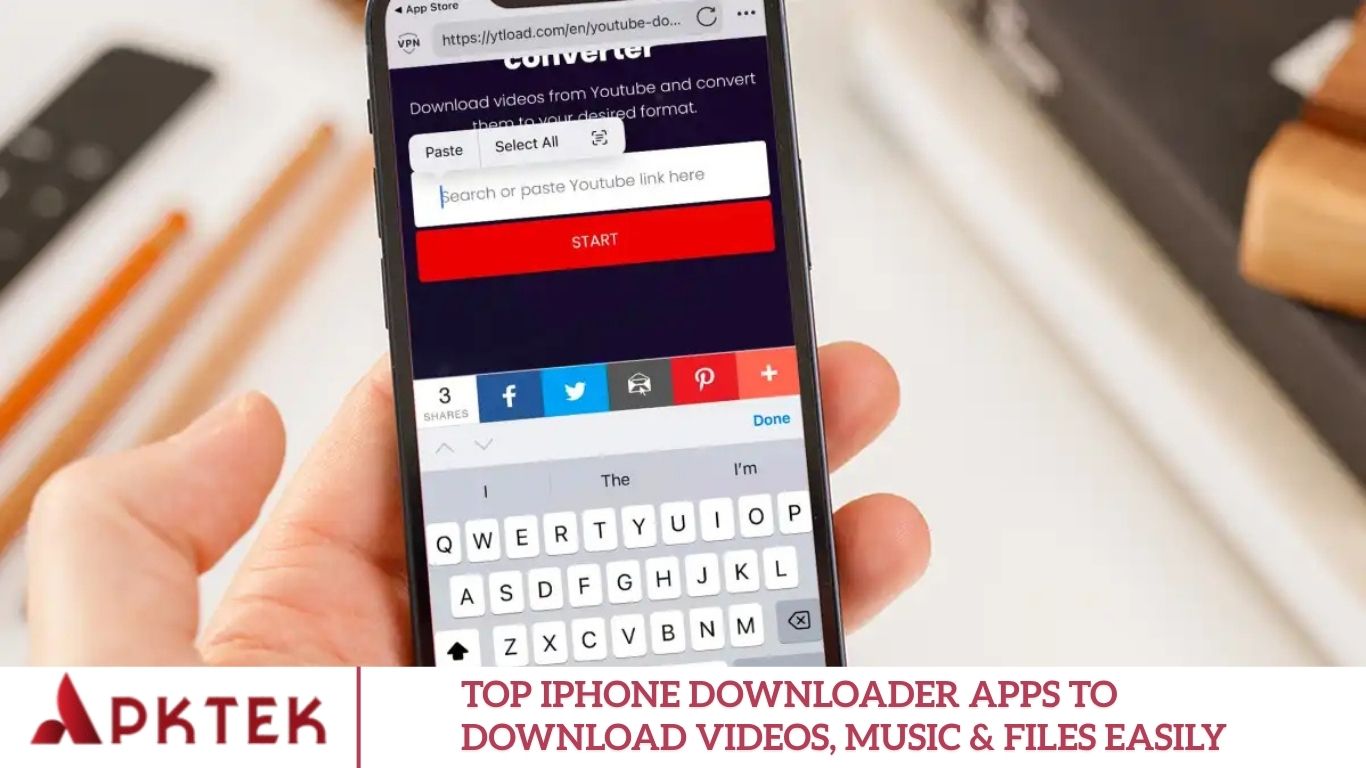
Downloading videos, music, or other media directly to your iPhone can be incredibly convenient especially when you’re offline, traveling, or commuting. However, iOS makes this process more challenging than on Android due to Apple’s stricter app restrictions. In this guide, we’ll help you choose the best iPhone downloader app, highlight top picks for 2025, cover legal and security considerations, and share tips to make the most of these tools.
Whether you want to enjoy media offline during travel, save educational content, or back up important files, having the right iPhone downloader app is essential. However, Apple’s iOS ecosystem has stricter restrictions than Android, which can make downloading content less straightforward. This comprehensive guide will walk you through the top downloader apps for iPhone, their features, how to use them safely, and tips to optimize your downloading experience.
Why Downloader Apps on iPhone Are Tricky
Before exploring the best apps, it’s important to understand why downloading content on an iPhone isn’t as straightforward as on other platforms.
iOS Restrictions
Apple’s ecosystem is more restrictive than Android’s. Many apps that allow downloading from sites like YouTube or Instagram face limitations or can be removed from the App Store. Even apps labeled as “video downloaders” often come with limited functionality, rely on built-in browsers, or require creative workarounds.
Legal & Copyright Issues
Downloading copyrighted material without permission can violate local laws and platform terms of service. While a downloader app may technically let you save content offline, make sure the media is legally available for download.
App Store vs Sideloading
Official App Store apps are generally safer but often have fewer features. Apps that require sideloading (installation outside the App Store) may offer more flexibility but carry security risks. Always weigh convenience against safety when choosing your downloader app.
Features to Look for in a Good iPhone Downloader App
Choosing the right downloader app goes beyond just saving files. Look for these features:
- Built-in Browser: Allows you to navigate websites directly within the app to detect downloadable content.
- Download Manager: Pause/resume downloads, download multiple files at once, and support large files.
- File Organization: Rename, move, or delete files, with integration to iOS Files or cloud storage.
- Format & Resolution Options: Download videos in different resolutions (1080p, 720p) and formats (MP4, MOV, etc.).
- Offline Playback: Built-in media player for seamless offline viewing.
- Security & Privacy: Password-protected folders, encryption, and trusted developers.
- App Updates & Support: Regular updates and App Store availability ensure reliability.
- User Experience: Simple interface, minimal ads, and smooth performance.
Top iPhone Downloader Apps for 2025
Here are some of the best options currently available, along with their strengths and limitations:
Documents by Readdle
A top choice for iPhone users, this app doubles as a file manager and downloader.
Pros:
- Download videos, PDFs, and other files easily.
- Built-in browser for easy detection of downloadable content
- Free with optional in-app purchases
Cons:
- Some advanced features may require premium upgrades.
- Certain websites may be incompatible.
Total Files
This versatile app combines a downloader with file organization tools.
Pros:
- Supports cloud storage integration (Dropbox, iCloud, Google Drive)
- Built-in browser and flexible file management
- Free to download with in-app purchases
Cons:
- Website compatibility may vary.
- Some premium features may be necessary.
All Video Saver
Perfect for users primarily interested in downloading videos and photos.
Pros:
- Auto-detect videos and photos for download
- Supports multiple formats (MP3, MP4, MOV, AVI)
- Built-in media player for offline playback
Cons:
Limited by website protections or streaming encryption
Additional Options
Other apps like iDownloader or Snaptube may be mentioned online, but many are Android-focused or require sideloading. Always check regional availability on the App Store before downloading.
How to Use a Downloader App on iPhone
Here’s a step-by-step workflow using Documents by Readdle (or similar apps):
- Download your preferred downloader from the App Store.
- Open the app and use its built-in browser feature.
- Navigate to the website hosting your desired video or media.
- Copy or tap the video link.
- Paste the link in the app browser if needed, or let the app auto-detect the file.
- Select download options like quality or format.
- Monitor download progress; pause or resume if needed.
- Access the downloaded files in the app’s library or move them to iOS Files or cloud storage.
- Use the built-in media player for offline playback.
Tips for Best Results
- Ensure sufficient storage space, especially for large video files.
- Use Wi-Fi for faster and more stable downloads.
- Respect the website’s terms of service regarding offline content.
- Lower resolution downloads can help if high-quality versions fail.
- Organize files into folders for easier access.
- Secure sensitive files with password-protected folders.
- Keep apps updated to avoid bugs and improve compatibility.
Frequently Asked Questions
Can I download YouTube videos on iPhone legally?
No, downloading copyrighted YouTube videos without permission violates YouTube’s terms of service. Only content legally available for download should be saved offline.
Are downloader apps safe to use on iPhone?
Yes, if you use apps from trusted developers on the App Store. Avoid sideloading apps unless you fully understand the risks.
Can I download large files on iPhone without Wi-Fi?
While possible, it’s not recommended. Large downloads over cellular data may consume your data plan and take longer.
Do downloader apps support cloud storage?
Many apps, including Documents by Readdle and Total Files, integrate with iCloud, Dropbox, or Google Drive for easy storage and transfer.
Can I play downloaded videos offline?
Yes. Most downloader apps include a built-in media player for offline playback.
Do I need to pay for downloader apps?
Most apps offer free basic versions. Advanced features like batch downloads, higher resolutions, or ad-free experiences may require in-app purchases.
Conclusion
Downloading videos, music, and files on iPhone is easier than ever with the right apps. Top options like Documents by Readdle, Total Files, and All Video Saver provide powerful tools for offline access, file management, and secure storage. By choosing reputable apps, respecting copyright laws, and organizing your downloads efficiently, you can enjoy a seamless offline media experience in 2025 and beyond.
