


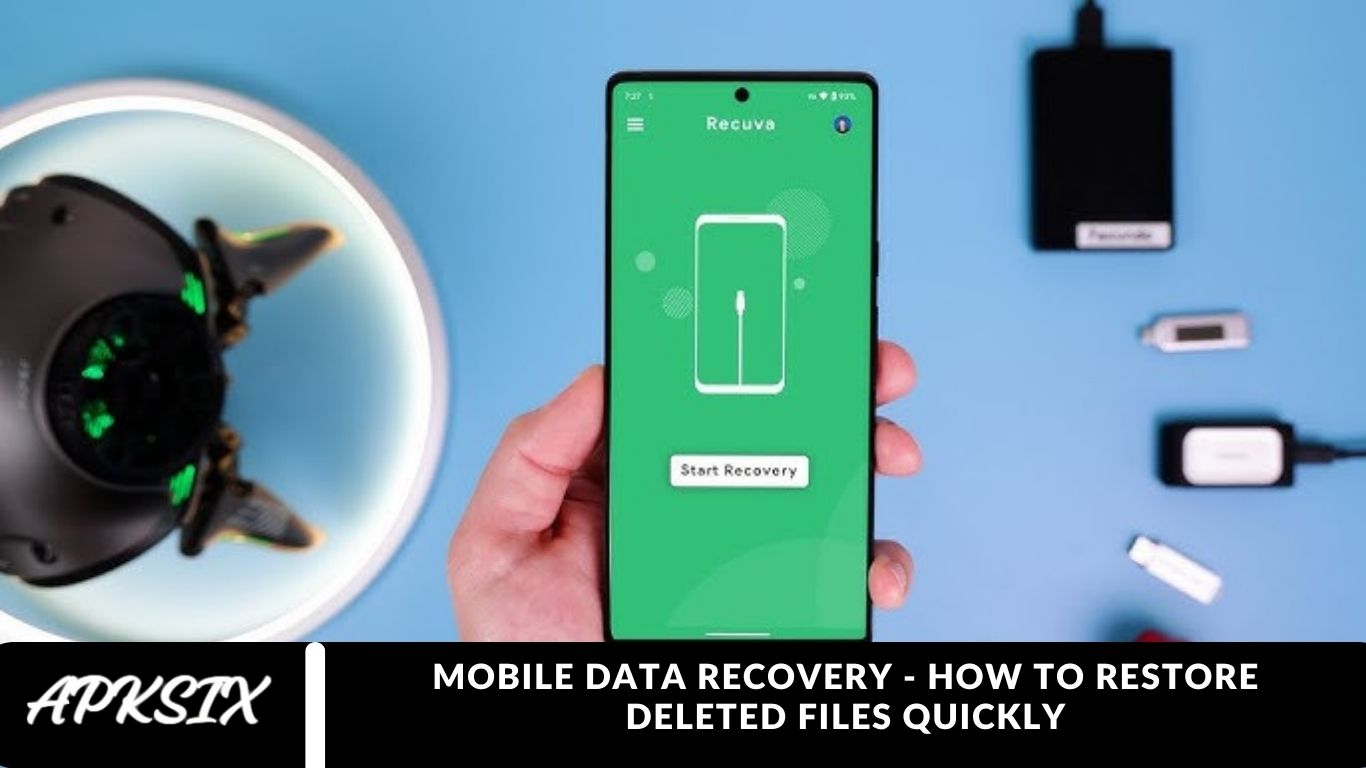
Smartphones are more than just communication devices — they serve as central hubs for our most valuable photos, videos, contacts, messages, and important files. Losing this data, whether by accident or technical issues, can be stressful and disruptive. Thankfully, deleted mobile data can often be recovered when you act quickly and use the right tools.
This comprehensive guide covers everything you need to know about mobile data recovery, including how data deletion works and step-by-step methods to restore deleted files on both Android and iPhone devices. Whether it’s cherished memories or essential work documents, you’ll learn how to safely retrieve your lost mobile data with ease.
Understanding Mobile Data Deletion
Before exploring mobile data recovery methods, it’s essential to understand what happens when you delete a file from your phone.
When a photo, video, or document is deleted, it isn’t immediately erased from your device. Instead, the system marks the file’s storage space as available for new data. Until that space is overwritten, the deleted file can often be recovered using specialized recovery software or backup solutions.
This highlights why acting quickly after accidental deletion is crucial — the sooner you attempt recovery, the higher your chances of successfully restoring your lost data.
Common Causes of Mobile Data Loss
Data loss on smartphones can happen for many reasons, not just accidental deletion. Knowing the cause can help you choose the most effective recovery method. Common reasons include:
Human Error
Accidentally deleting important photos, messages, or files is the leading cause of mobile data loss.
System or Software Crash
Errors in the operating system or app malfunctions can result in missing or corrupted files.
Factory Reset
Performing a factory reset without a backup erases all data stored on your device.
Virus or Malware Attack
Malicious software can corrupt, hide, or delete files, putting your data at risk.
Physical Damage
Water exposure, hardware failure, or a broken screen can prevent access to stored data.
Identifying the root cause of data loss is crucial to selecting the right mobile data recovery solution.
Precautions Before Attempting Data Recovery
Before attempting to recover deleted files from your phone, follow these important precautions to maximize your chances of success:
- Stop using your device immediately. Continued use can overwrite deleted files, making recovery difficult or impossible.
- Avoid installing new apps or system updates, as they may occupy the storage space where your deleted data is located.
- Enable Airplane Mode to prevent automatic downloads or cloud syncing that could overwrite lost files.
- Refrain from formatting your phone’s storage unless it’s absolutely necessary.
By following these simple steps, you can significantly increase the likelihood of successful data recovery and protect your valuable information.
You Like It: apktek
Recovering Deleted Data on Android Devices
Android devices offer multiple options to recover lost or deleted data, depending on how the data was lost. Here are the most reliable methods:
Check the Recycle Bin or Recently Deleted Folder
Many Android gallery apps, including Google Photos and Samsung Gallery, have a “Recently Deleted” or Trash folder that temporarily stores deleted photos and videos—usually for up to 30 days.
Steps to recover:
- Open your gallery app.
- Navigate to Albums → Recently Deleted or Trash.
- Select the files you want to recover.
- Tap Restore to recover them back to your device.
Restore from Google Backup
If you’ve enabled automatic backups, you can restore deleted data from Google Drive or your Google account.
To restore contacts, messages, and settings:
- Go to Settings → Google → Backup.
- Check your latest backup.
- During device setup or after a reset, sign in to your Google account and select Restore.
To recover photos and videos:
- Open Google Photos.
- Go to Trash and restore files within 60 days of deletion.
Use Professional Android Data Recovery Tools
For permanently deleted files, professional tools can help recover data from your device’s internal memory. Popular options include:
- Dr.Fone – Data Recovery (Android)
- EaseUS MobiSaver for Android
- Tenorshare UltData for Android
- iMyFone D-Back Android
These tools can recover photos, videos, call logs, messages, and even WhatsApp data by scanning your device for remnants of deleted files.
Recovering Deleted Data on iPhone
Apple devices feature robust backup systems, making iPhone data recovery more straightforward. Here are the most effective ways to restore deleted files:
Check the Recently Deleted Folder
Deleted photos and videos are stored in the Recently Deleted album for 30 days, allowing easy recovery.
Steps:
- Open Photos → Albums → Recently Deleted.
- Select the files you want to restore.
- Tap Recover to restore them to your device.
Restore from iCloud Backup
If your iPhone is backed up to iCloud, you can recover deleted data by resetting the device and restoring the latest backup.
Steps:
- Go to Settings → General → Transfer or Reset iPhone → Erase All Content and Settings.
- Follow the setup process until the Apps & Data screen appears.
- Choose Restore from iCloud Backup and sign in.
- Select the most recent backup containing your deleted files.
Restore from iTunes (Finder) Backup
If you previously backed up your iPhone to a computer via iTunes (Windows) or Finder (macOS), retrieving deleted files is simple.
Steps:
- Connect your iPhone to your computer.
- Open iTunes or Finder.
- Select your device and click Restore Backup.
- Choose the desired backup and click Restore.
Use Third-Party iPhone Data Recovery Software
If no backups are available, professional tools can help recover deleted data directly from your device’s internal memory. Popular options include:
- Dr.Fone for iOS
- iMobie PhoneRescue
- Tenorshare UltData iOS
These tools can restore lost photos, messages, WhatsApp data, and more, even without a backup.
How to Recover Deleted WhatsApp Data
WhatsApp is one of the most widely used messaging apps worldwide, and losing chat history can be stressful. Fortunately, WhatsApp provides built-in backup and restore options to help recover your messages and media.
Recover WhatsApp Data on Android
- Uninstall and reinstall WhatsApp.
- Open the app and verify your phone number.
- When prompted, tap Restore to recover chats and media from your Google Drive backup.
- If no cloud backup is available, you can attempt recovery from local backup files stored in the WhatsApp/Databases folder on your device.
Recover WhatsApp Data on iPhone
- Uninstall and reinstall WhatsApp.
- Log in using the same phone number.
- Tap Restore Chat History when prompted to restore from iCloud backup.
Using these methods, you can easily retrieve lost WhatsApp messages, photos, and videos without losing important conversations.
Preventing Future Data Loss
While data recovery tools can be a lifesaver, prevention is always the best strategy. Follow these tips to protect your mobile data and avoid losing important files in the future:
Regular Backups
- Android: Use Google Drive or Samsung Cloud for automatic backups of your files, contacts, and settings.
- iPhone: Back up regularly via iCloud or iTunes to ensure your data is safe.
Use Cloud Storage
Apps like Google Photos, Dropbox, and OneDrive automatically sync and store your photos, videos, and documents online, keeping your data accessible even if your device fails.
Keep Your Device Secure
Install reliable antivirus software and avoid downloading apps from untrusted sources to protect your device and data from malware.
Enable Data Sync
Turn on data synchronization for contacts, messages, and documents so they’re continuously saved to the cloud.
Handle Your Device Carefully
Protect your phone from water, drops, and extreme temperatures to prevent hardware damage and potential data corruption.
By following these preventive measures, you can minimize the risk of data loss and keep your important files safe.
When to Seek Professional Help
If your smartphone is physically damaged, won’t power on, or standard data recovery software fails, it’s best to turn to a professional data recovery service. Experts in this field use advanced tools and techniques to retrieve data directly from your phone’s memory chips, even in cases of severe hardware damage.
While professional recovery can be costly, it is often the most reliable solution when all other methods have failed, ensuring that your important files, photos, and messages can still be recovered.
Frequently Asked Questions
What is mobile data recovery?
Mobile data recovery is the process of retrieving deleted or lost files such as photos, videos, contacts, messages, and documents from a smartphone.
Can I recover deleted files from my phone without backup?
Yes, using professional recovery tools or software, you can often restore deleted files even without a backup, as long as the storage space hasn’t been overwritten.
How do I recover deleted files on Android?
You can check the Recently Deleted folder, restore from Google Drive backup, or use professional Android data recovery software like Dr.Fone, EaseUS MobiSaver, or Tenorshare UltData.
How do I recover deleted files on iPhone?
Use the Recently Deleted album, restore from iCloud or iTunes backup, or employ third-party tools such as Dr.Fone for iOS or iMobie PhoneRescue.
How can I recover deleted WhatsApp messages?
For Android, restore from Google Drive or local backup files. For iPhone, restore from iCloud backup after reinstalling WhatsApp.
Can physically damaged phones have their data recovered?
Yes, professional data recovery services can retrieve files directly from memory chips even if your phone is broken or won’t turn on.
How quickly should I act after deleting files?
The sooner you attempt recovery, the higher the chances of success. Avoid using the device or installing apps to prevent overwriting deleted data.
Conclusion
Losing important files, photos, or messages from your smartphone can be stressful, but mobile data recovery offers multiple solutions to get your data back. By understanding how data deletion works, acting quickly, and using the right tools—whether it’s built-in recovery features, cloud backups, or professional recovery software—you can restore deleted files effectively on both Android and iPhone devices.
